Using a clipboard between devices requires a real-time synchronization bridge. SyncClip provides a free, no-login online clipboard that allows you to copy text on a mobile device and paste it on a laptop (or vice versa) instantly via WebSockets, eliminating the need for emailing snippets or using messaging apps for temporary data.
CLIPBOARD_ BETWEEN_ DEVICES_
The fastest way to move text across your personal hardware stack. Instant. Private. Free. No more self-emails or Slack "Saved Items" clutter.
The_ Real-Time_ Protocol_
Initiate Ephemeral Session
Launch SyncClip on your primary device. With a single tap, you generate an ephemeral session node. No account creation is required—the tool is ready to sync the moment you hit the page.
Mirror The Handshake
Connect your second device by scanning the generated QR code or typing in the 6-character session ID. This mirrors the state across both browser instances, creating a persistent WebSocket bridge.
Zero-Lag Sync
Paste text on either device. The data is pushed through the tunnel and appears on the other screen in under 100ms. Copy it to your local system clipboard and you are done.
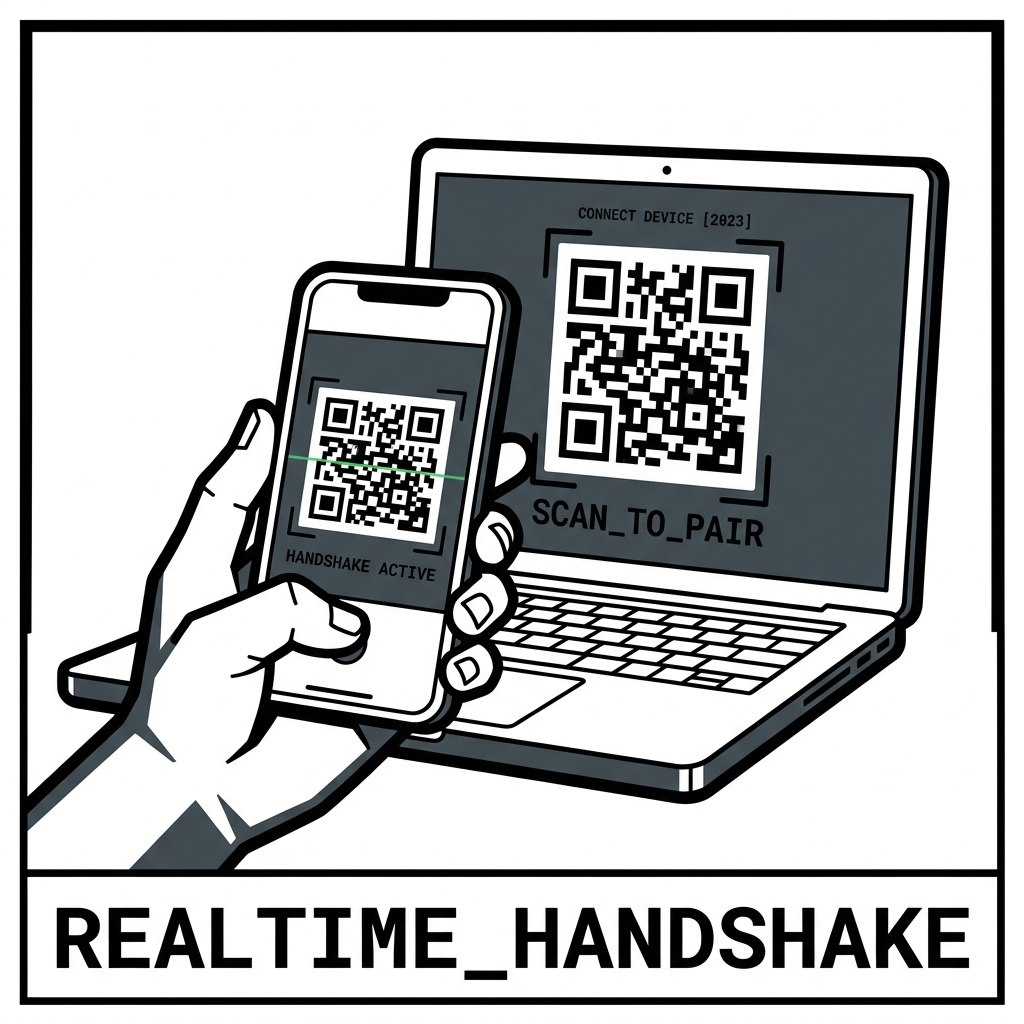
Fig 4.1: The QR Pairing sequence — Secure, instant, app-free connection for multi-device workflows.