COPY TEXT FROM PHONE TO PC WITHOUT AN APP_
Stop emailing yourself snippets. Start syncing your clipboard in real-time with zero installation.
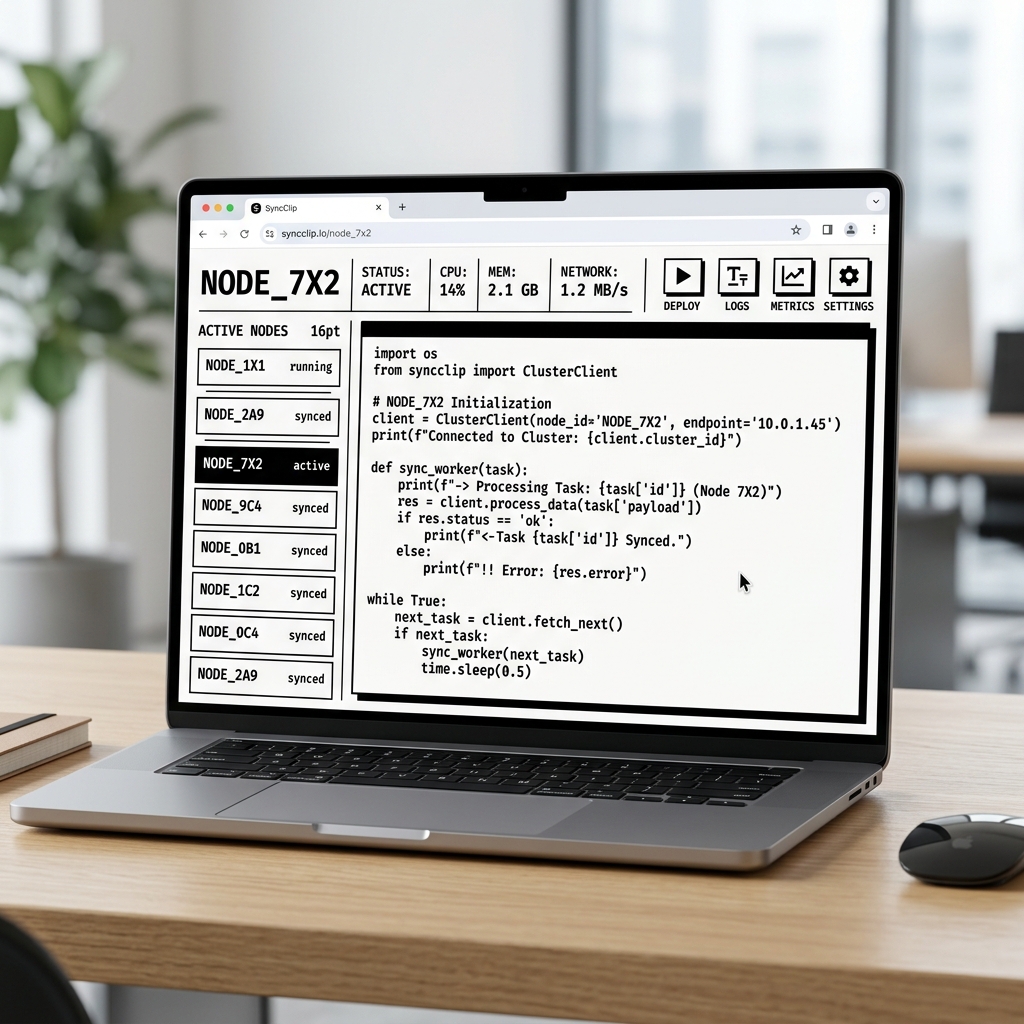
The "No-App" Advantage
Moving text from an Android phone to a Windows PC or an iPhone to a Mac usually requires an app install or an ecosystem lock-in. SYNCCLIP eliminates these barriers by operating entirely within your existing mobile and desktop browsers.
The Friction-Filled Way
- × Emailing yourself (Subject: "tmp")
- × Pasting in Slack "Saved Items"
- × Installing 100MB sync apps
- × Privacy-invasive permissions
The SyncClip Way
- ✓ Open URL (No App)
- ✓ Scan QR Code (No Login)
- ✓ Instant real-time WebSocket sync
- ✓ Ephemeral data (Auto-Purge)
When You Need It
2FA Codes
Copy verification codes from your SMS/Authenticator app on mobile to your bank login on PC instantly.
Deep Links
Found a long article or complex URL on Instagram? Move it to your desktop browser for better reading in one tap.
Code Snippets
Testing a quick mobile UI? Move code blocks or JSON payloads from your phone to your IDE without friction.
The Privacy Problem with Messaging Apps
When you use WhatsApp or Slack to "save" text between devices, that data lives on corporate cloud servers forever. SYNCCLIP is built for transient utility.
All session data is hard-purged from the database after 24 hours of inactivity.
No email addresses, phone numbers, or IP logs are permanently associated with your clipboard.
All data in transit is encrypted via TLS/SSL, ensuring your snippets remain private on public Wi-Fi.