SYNC CLIPBOARD BETWEEN ANY DEVICES_
Cross-device text sharing redefined for 2026. Instant, account-free, and cryptographically secure.
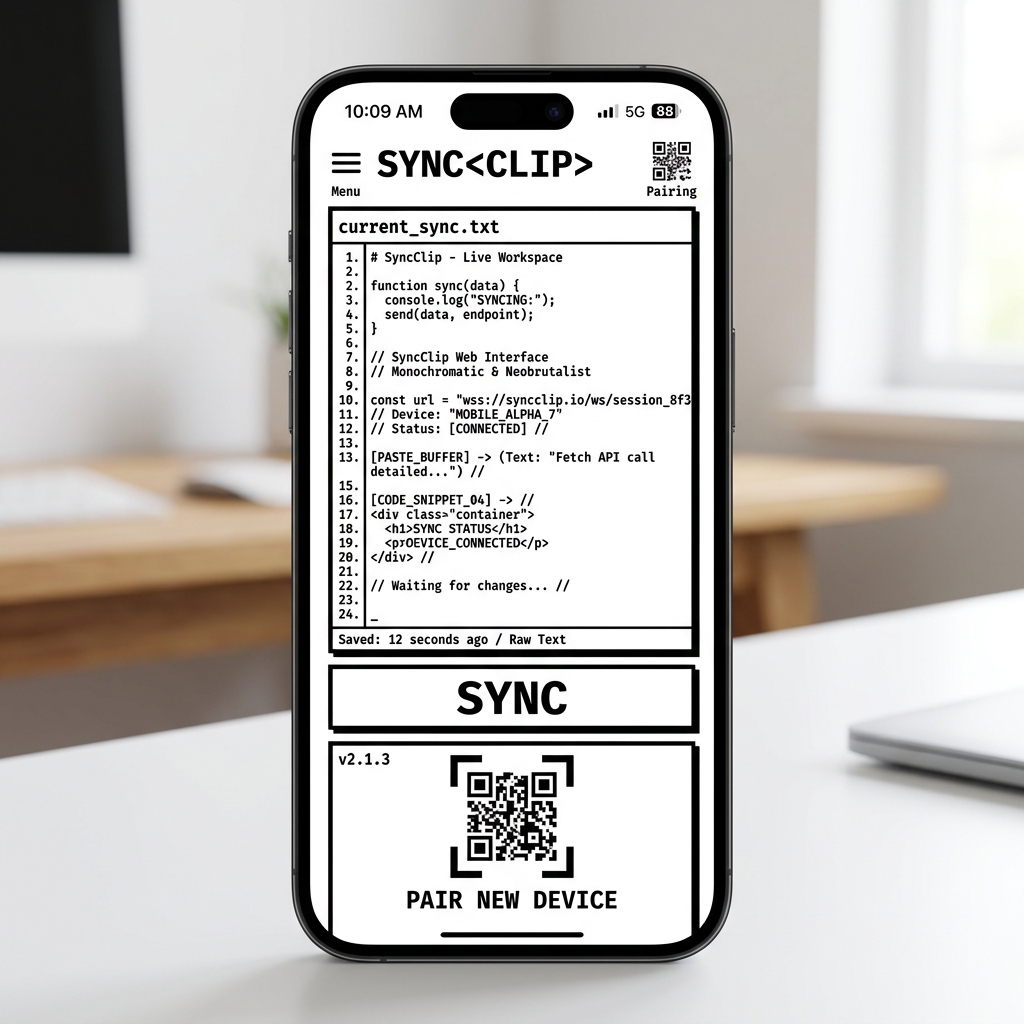
The Clipboard Gap
In a multi-device world, moving a simple string of text—an API key, a shipping address, or a long URL—between a smartphone and a laptop remains a significant bottleneck. Native solutions like Apple's Universal Clipboard are excellent but strictly limited to their own ecosystem.
SYNCCLIP bridges this "clipboard gap" by providing a platform-agnostic, web-native protocol that works on any device with a browser. No apps, no accounts, and no setup required.
Real-Time Sync Architecture
Most clipboard sync tools rely on slow cloud polling or invasive background apps. SYNCCLIP uses a WebSocket-first architecture powered by Convex. When you paste text into a session node, the update is broadcast to all connected devices in under 100ms.
Ultra-Low Latency
Optimized for sub-100ms sync. Every keystroke is pushed through real-time channels, eliminating the need for manual refreshes.
Multi-Node Mesh
Connect up to 100 devices to a single session. Any device can be the sender or receiver in a true peer-to-peer style mesh.
Ephemeral Security
Data is never stored permanently. Sessions are purged from the database after 24 hours of inactivity, leaving zero digital trail.
The 3-Step Workflow
Initialize Node
Open syncclip.in on your primary device. A unique 6-character session ID is generated instantly using cryptographically secure randomness.
Connect Remote
Scan the QR code or type the code on your second device. The devices establish a real-time handshake via our distributed sync engine.
Sync Instant
Paste or type on either device. The clipboard content updates globally. Use the "Copy" button to land it directly in your OS clipboard.
Universal Compatibility
Because SYNCCLIP runs entirely in the browser, it bypasses the walled gardens of modern operating systems and hardware limitations.